After signing up to Certifi, Subcontractor users can only access their workspace and submit timesheets once a Supervisor user has approved their company details. Follow these instructions to approve Subcontractor users:
- After an invited Subcontractor has filled in their details and completed the Certifi account creation process, you will be sent an email.
- Click View Profile in the email to open their profile on Certifi.
- Here, you can review their company details and make sure they are correct before clicking Approve.
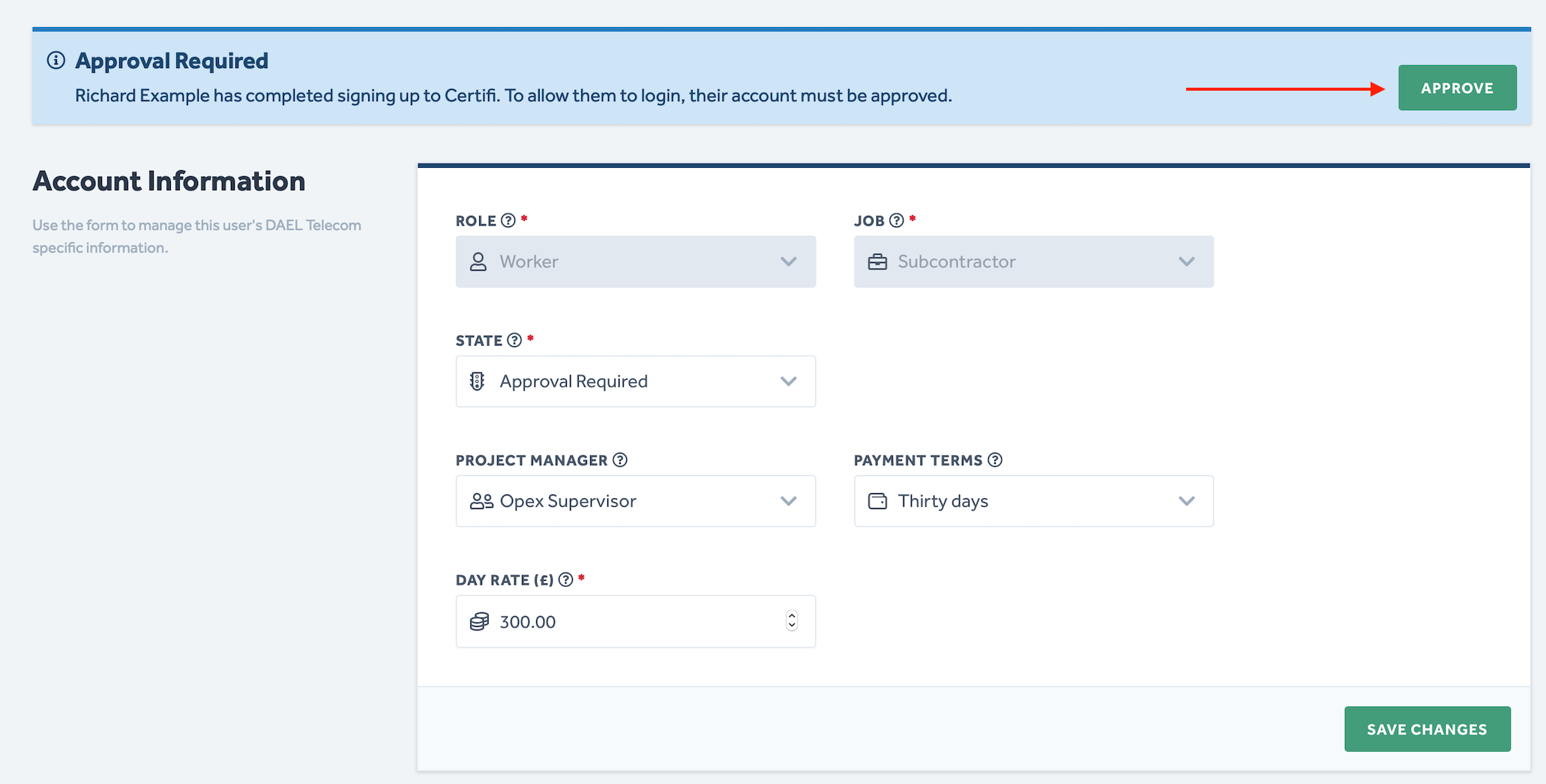
- Once approved, the Subcontractor will be sent an email allowing them to sign in to Certifi.
- If you wish to Reject a Subcontractor, click on the State field and select Rejected from the drop-down menu.
Employee and Admin users do not need to be approved; they are automatically approved upon sign-up.
To protect the data privacy of our platform users, all data visible in images throughout this article is from a dummy dataset generated expressly for demonstration purposes. It is not real data.