If you have submitted or are responsible for a large number of timesheets within Certifi, it may be useful to filter the Timesheets tab to quickly find what you are looking for. To filter your Timesheets tab, follow these steps:
- Navigate to the Timesheets tab by clicking Timesheets in the top header from any Certifi page.

- This will open a page listing all of the Certifi timesheets you have access to.
- At the top of the list, you are able to fill in the relevant fields to find the timesheet information you require.
- Click Search when you have filled out all the relevant fields.
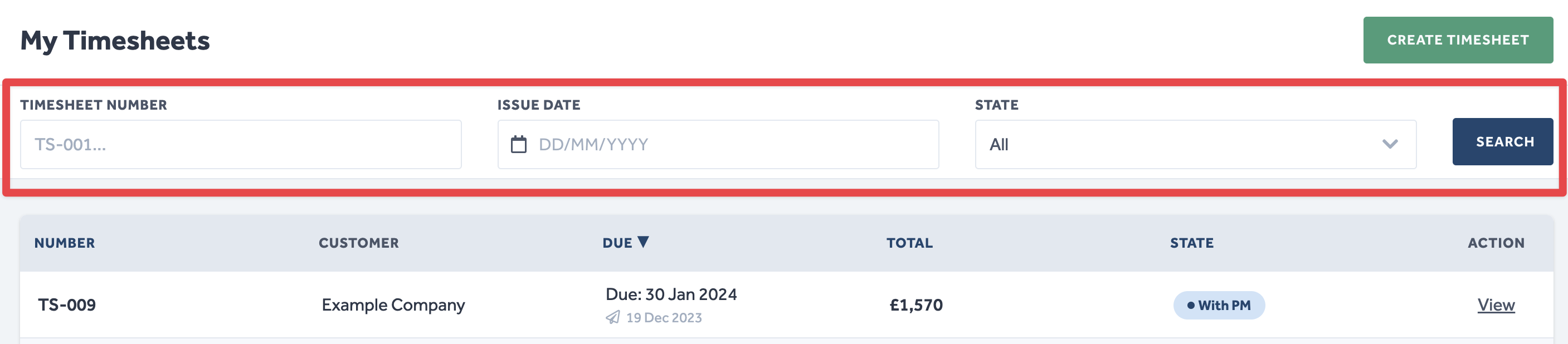
Admin users will also see an additional Users filter, this allows Admin users to filter timesheets by the Worker user that submitted them.
To protect the data privacy of our platform users, all data visible in images throughout this article is from a dummy dataset generated expressly for demonstration purposes. It is not real data.