At any time while using Certifi, you may wish to update your details, including your email address and contact number. To change your profile details, follow these steps:
- First, click on your name in the top right corner of any Certifi page.
- In the drop-down menu, click Profile.

- This will open the My Profile page.
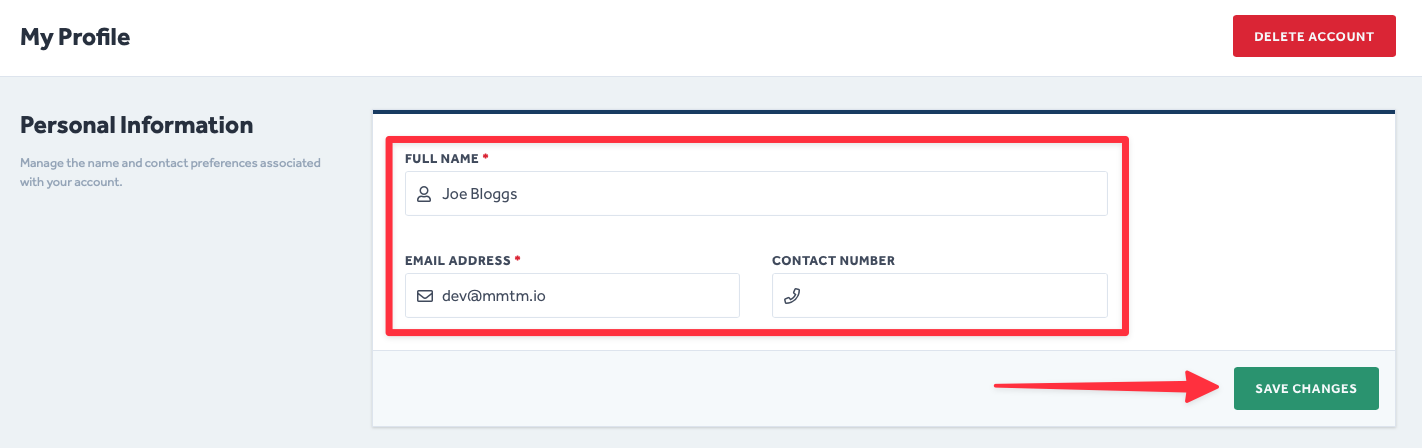
- Here, you will be able to update your Certifi details.
- Simply amend the information in the fields within the Personal Information section.
- Remember to click Save Changes when you are happy with your edits.
To protect the data privacy of our platform users, all data visible in images throughout this article is from a dummy dataset generated expressly for demonstration purposes. It is not real data.