Certifi supports exporting your organisation's timesheets in a .csv format. Many users find this useful for visualising and tracking their timesheet data. To create an export of your organisation's timesheets, follow these steps:
- Click Timesheets in the top header of any Certifi page, which will take you to a list of the timesheets you can view.
- Click Export Timesheets in the top right-hand corner of the page.

- You will then receive an email from Certifi to the email address in your profile.
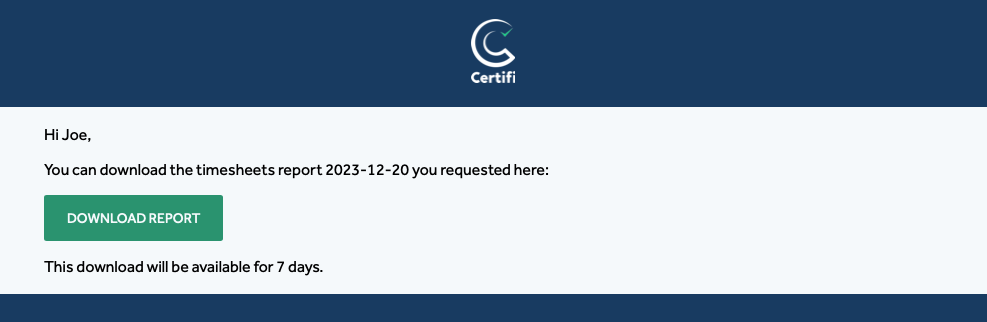
- From here, simply click the Download Report button within the email, and your export file will begin to download.
To protect the data privacy of our platform users, all data visible in images throughout this article is from a dummy dataset generated expressly for demonstration purposes. It is not real data.